Unify Diverse Hi-Tech Work Environments

In the rapidly evolving technology industry, constantly tested by the communication complexities of remote or hybrid work, it is crucial to effectively reach and motivate employees. SaaS and other software businesses can boost their growth by nurturing authentic and personalized relationships with their entire team.

Perfect for your technology business

The JungleMail internal comms platform addresses these challenges by ensuring timely and individualized communication with employees wherever they are. It commits to a greater hi-tech future by simplifying and diversifying data presentation, identifying what resonates with target groups, segmenting information, and elevating engagement.

KEEP THE TEAM IN THE LOOP

Project and Resource Management Updates

checked icon

Inform everyone about project developments, updates on engagements, and changes to timelines, keeping all team members aligned, whether remote or hybrid.

checked icon

Share insights on resource allocation and utilization to ensure optimal deployment of talent and expertise.

checked icon

Announce new tools and platforms, sharing best practices for software development and deployment.

checked icon

Provide clear instructions for communication and operational protocols during cybersecurity threats or technical outages.

checked icon

Communicate product launches, marketing campaigns, and strategic initiatives to drive success and enhance staff retention.

KEEP UP WITH THE LATEST REGULATIONS

Compliance, Security, and Sustainability

checked icon

Update staff on technology regulations, data privacy laws, and industry standards, ensuring compliance.

checked icon

Regularly share updates on cybersecurity protocols and data protection to maintain integrity and reduce incidents.

checked icon

Ensure staff understand and acknowledge key compliance documents with tracked engagement and verification.

checked icon

Highlight efforts to minimize the environmental impact of operations and promote green technologies.

checked icon

Promote consistent messaging and a strong internal culture, connecting multiple communication systems.

ALIGN OFFICE AND HYBRID WORKERS

Employee Engagement and Development

checked icon

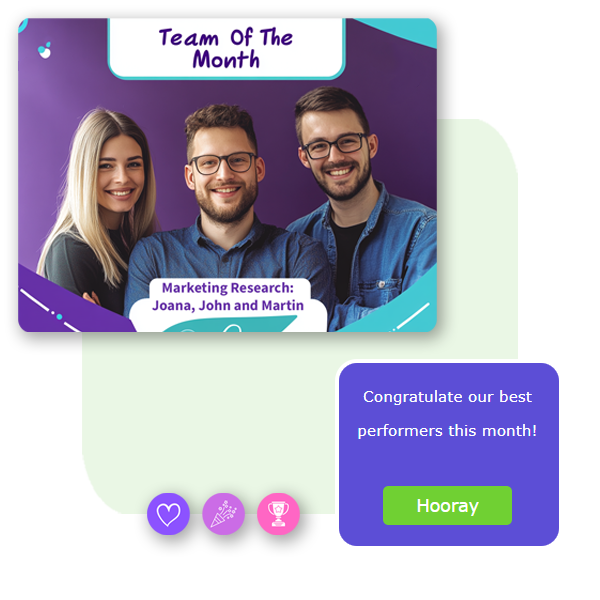
Celebrate outstanding performance, driving motivation and productivity.

checked icon

Showcase team contributions to key projects, nurturing personalized relationships.

checked icon

Share information about training sessions, certifications, and professional development opportunities.

checked icon

Use surveys and polls to gather employee feedback to improve operations and engagement.

checked icon

Encourage growth through targeted learning and development programs.

checked icon

Engage employees with timely updates and relevant data insights.

ANALYZE AND SET TRENDS

Market Insights and Client Engagement

checked icon

Provide analyses of market trends, technology advancements, and competitors’ strategies.

checked icon

Highlight positive feedback from clients, showcasing successful relationships and fostering a customer-centric culture.

checked icon

Present case studies of notable projects, explaining challenges and successful outcomes.

checked icon

Promote wellness programs for employees, including mental health support and fitness challenges.

checked icon

Foster a culture focused on customer satisfaction and personal growth.

checked icon

Strengthen relationships with specialists and clients through effective communication.

checked icon

Optimize communication content with rich analytics, ensuring engagement and scalability.

Newsletter tools in comparison

Regular newsletter tool vs newsletter tool built for Office 365

Regular Newsletter Tool

Drag-and-drop builder
Newsletter templates
Analytics
Dynamic content from SharePoint sites
Newsletters’ archive in SharePoint intranet
Sending to Azure AD distribution lists and Office 365 groups
SSO

junglemail logotype

Drag-and-drop builder
Newsletter templates
Advanced analytics
Dynamic content from SharePoint sites
Newsletters’ archive in SharePoint intranet
Sending to Azure AD distribution lists and Office 365 groups
SSO

JungleMail fits all! No matter what your size is.

With flexible pricing based on your organization’s size, you can choose what fits your company’s needs the best. All the plans include integration with SharePoint & Office 365, trusted email deliverability and free upgrades. For enterprises in addition to the default features, we offer multiple communications teams, priority support and custom agreements.

Employee communication made easier

microsoft user icon

Built for Office 365

Send directly to your employees’ Office 365 distribution list, use dynamic content and archive newsletters in your intranet to be accessible for employees any time.

green stars

Important features

JungleMail includes a drag-and-drop builder, possibility to create a system by categories and advanced analytics to measure your results in details.

purple lock icon

Security matters

Data hosted in Microsoft Azure data centers worldwide; our company is ISO 27001 and SOC 2 certified for quality and information management.

Learn more about JungleMail's features

Hear from our customers

“Happy to use JungleMail because it’s a versatile App and brings us the opportunity to collaborate with others more effectively.”

Taz Mukorombindo – Canterbury & New Zealand Business Association

Get to know their story

JungleMail has been rated excellent on G2 for employee communication software.

Read JungleMail reviews on G2